Logging in
There are two ways to log in to your Utopia+ account. Some users will be able to access with a username and password; or, your organization might have Microsoft SSO enabled.
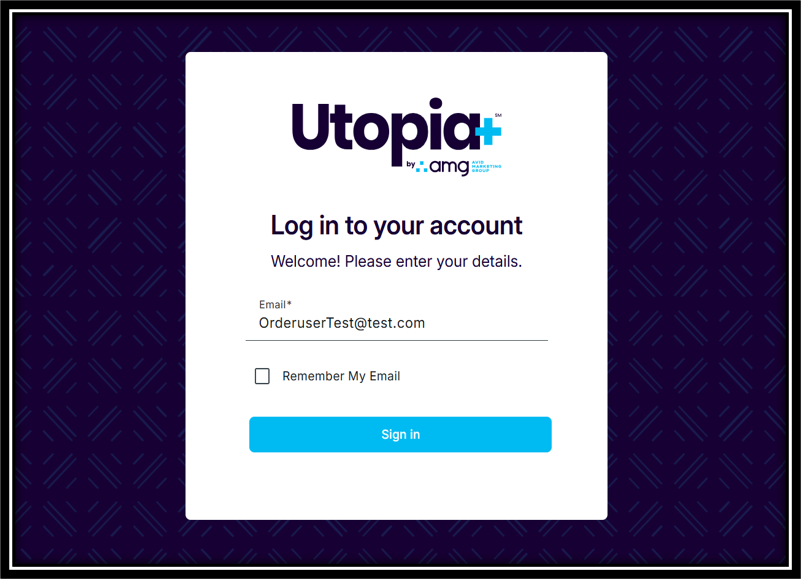
If you have SSO sign on, you'll be prompted to enter your email. Click "Sign in", and you'll land on your Utopia+ dashboard
 .
.
If you don't have SSO enabled, you'll be prompted to enter your email and password. If you don't remember your password, you can go through the reset flow by clicking "Forgot Password" on the login screen.
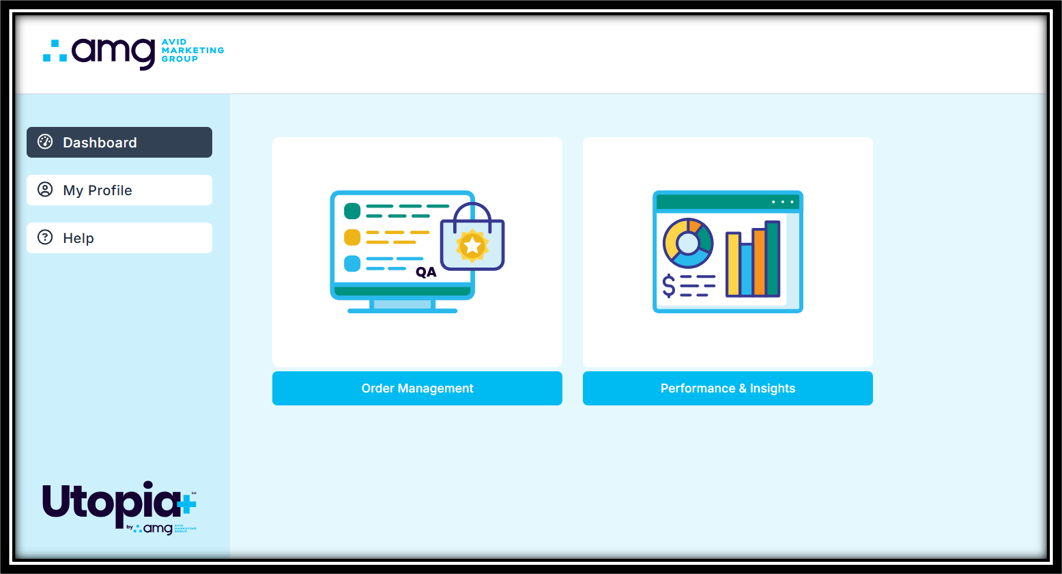
Once you're logged in, you'll land on your Utopia+ dashboard, where you can see the applications assigned to your account. Depending on your permissions, you may see Order Management, Performance & Insights, or both apps in your dashboard.
Editing your profile
Your Profile section allows you to edit your name and job title. If you sign in via Password, you'll be able to change that in this section as well. If you sign in via SSO, password reset fields won't be available here.
For technical assistance with your account, you can reach out to your account representative directly; or, you can send us an email at support@avidinc.com.
Was this article helpful?
That’s Great!
Thank you for your feedback
Sorry! We couldn't be helpful
Thank you for your feedback
Feedback sent
We appreciate your effort and will try to fix the article