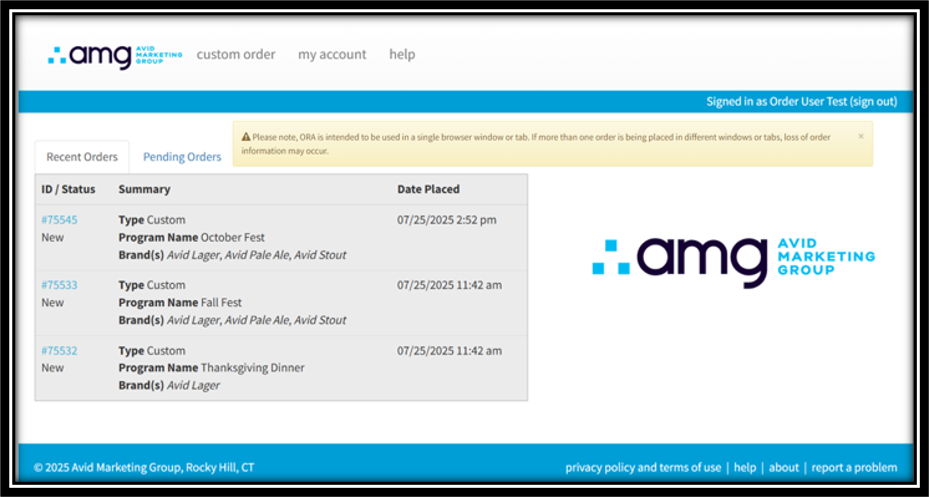
On the Order Management home page, you'll see tabs labeled "Recent Orders" and "Pending Orders."
Under Recent Orders, you'll find all your past orders listed from newest to oldest. You can click the linked order ID to view your order details. If the order still has a status of "New," you'll be able to edit the order details here as well.
If the order is no longer New, you can contact your AMG representative for assistance editing or amending an in-progress order.
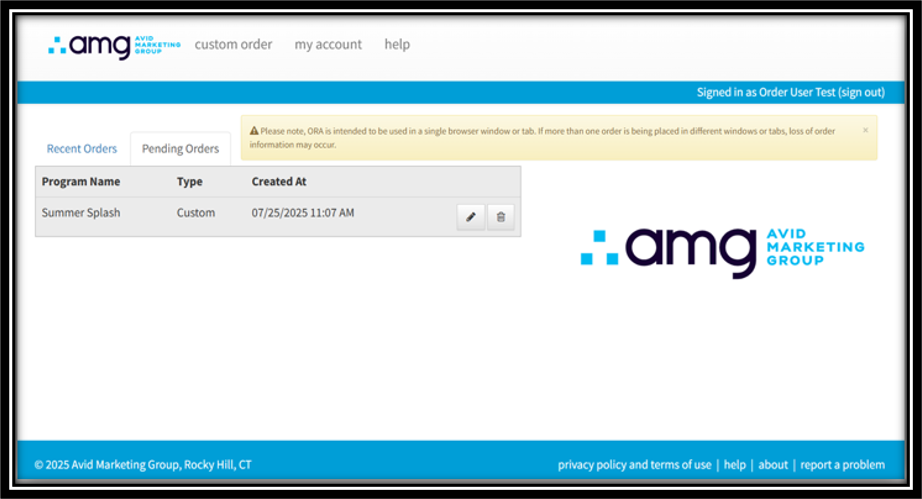
Under the "Pending Orders" tab you'll find incomplete orders that have not been submitted to AMG and have been saved for later.
To complete pending orders, click the edit button, finish any incomplete fields, and submit the order as usual.
To delete the pending orders, click the trash can icon. Deleted draft orders cannot be recovered.
Was this article helpful?
That’s Great!
Thank you for your feedback
Sorry! We couldn't be helpful
Thank you for your feedback
Feedback sent
We appreciate your effort and will try to fix the article